→ All videos
Video · · 1 min read

How to Use Record a Skill in Claude Cowork

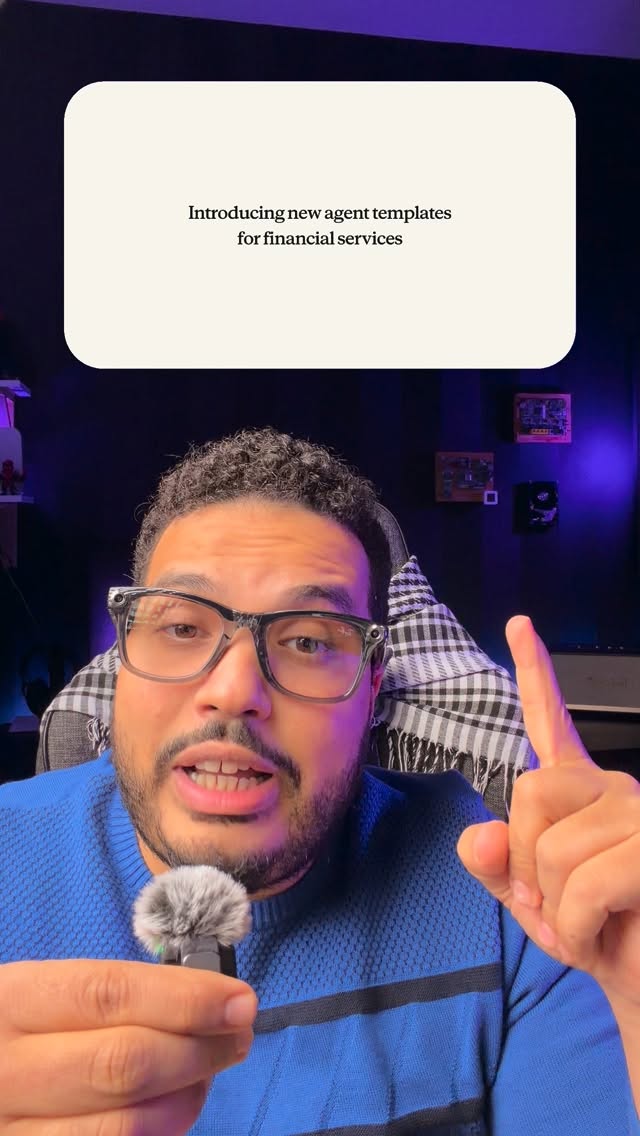
Record a Skill lets you teach Claude a recurring task by recording your screen and explaining the steps aloud, according to Abdul Osama (عبدول أسامة). You can then review and edit the written skill, give it a name, and ask Claude to use it later.

Key takeaways

  • Record a Skill turns a demonstrated repeat task into a saved skill.
  • Abdul starts from the + button in a Cowork chat.
  • The process requests screen-recording permission and can include a spoken explanation.
  • Review and edit the written steps before naming and saving the skill.

To teach Claude a task you repeat, use Record a Skill to capture yourself doing it on screen while explaining the steps aloud. Then review the written instructions, edit them if needed, and save them under a name. Claude is an AI assistant; Record a Skill creates a skill, or a saved set of steps you can request later. Abdul Osama (عبدول أسامة) demonstrates the process in Cowork, a Claude workspace.

“Find any task you do repeatedly and teach it to do that task.” — Abdul Osama

How to record a skill

  1. Open the chat in Cowork.
  2. Select the + button below the chat, then choose Record a Skill.
  3. Grant screen-recording permission when prompted. Capturing what you do on screen is central to the method Abdul describes.
  4. Perform the task and explain your workflow aloud. Abdul says the feature learns from the screen recording and your voice.
  5. When you finish, read the written skill. Edit any steps that need correction, give the skill a name, and save it.

“When you’re done, you can read the written skill and edit it.” — Abdul Osama

According to Abdul, you can then ask Claude to perform the saved skill by name. Review the written steps first so they reflect the task you intended to teach.

What to do next

Pick a recurring task whose steps you know well. Record yourself completing it with a clear spoken explanation, then check and edit the resulting skill before relying on it again.

Questions and answers

What does Record a Skill do?

As Abdul explains it, the feature turns a recording of a recurring task and your explanation into written steps you can save as a skill.

Where do I find Record a Skill?

Abdul says to open the chat in Cowork, select the + button below it, and choose Record a Skill.

Why does it ask to record my screen?

Abdul says Claude learns the task from the screen recording, alongside your spoken explanation.

Can I change the skill before saving it?

Yes. Abdul says you can read and edit the written skill before giving it a name and saving it.

Sources and tools mentioned

Full transcript

ريكورد أ سكيل، خاصية جديدة نازلة في Claude جامدة جدا جدا كنا نحلم بيها من سنتين تلاتة دي. تشوف أي مهمة بتعملها بشكل متكرر وتعلمه يعملها. إزاي؟ هتروح على الـ Chat اللي بقى جوا دلوقتي Cowork وتدوس على علامة الزائد اللي تحت وبعدين هتختار Record a Skill هيطلب منك permission إن هو يسجل الشاشة بتاعتك، that's the whole point، وبعدين تقدر تكلمه يعني كمان هيبقى بيسجل صوت وتقوله بص أنا شغلي بعمل واحد اتنين تلاتة اربعة وبكرر المهمة دي. يتعلم هو من الـ Screen Recording ومن صوتك وبعد ما تخلص هتقرأ السكيل مكتوبة لو تمام أو ممكن تعدل عليها هتسايفها تحط لها اسم ومن هنا ورايح لو قلت له اعمل السكيل الفلانية هيعمل الخطوات دي بالضبط. حاجة بصراحة زمان كانت ممكن تشقلب Industries دلوقتي Feature نازلة كده على الهامش من Claude بصراحة أنا شايف إن الناس كتيرة أو ممكن تستفيد بيها السكيل دي. Skill Recording a Skill and creating it as a skill. فجربوها تعجبكم أنا عبدالو أسامة تابعوني عشان تعرفوا كل جديد في الزكاة الصناعية والتسويق.

Abdul Osama
About the author

Abdul Osama (عبدول أسامة) is an Egyptian entrepreneur and marketer, founder of the ASPIRED agency, who explains AI, marketing and business in Arabic.

This text was written with AI from the video and may contain small transcription errors. · Markdown version

WhatsApp community

Join Abdul's WhatsApp updates

Leave your name and WhatsApp number. Whenever something big happens, you hear it first: new courses, tools, live sessions and the very special updates.

Detected: United States. Change the code if your number is from another country.

Ask AI about me