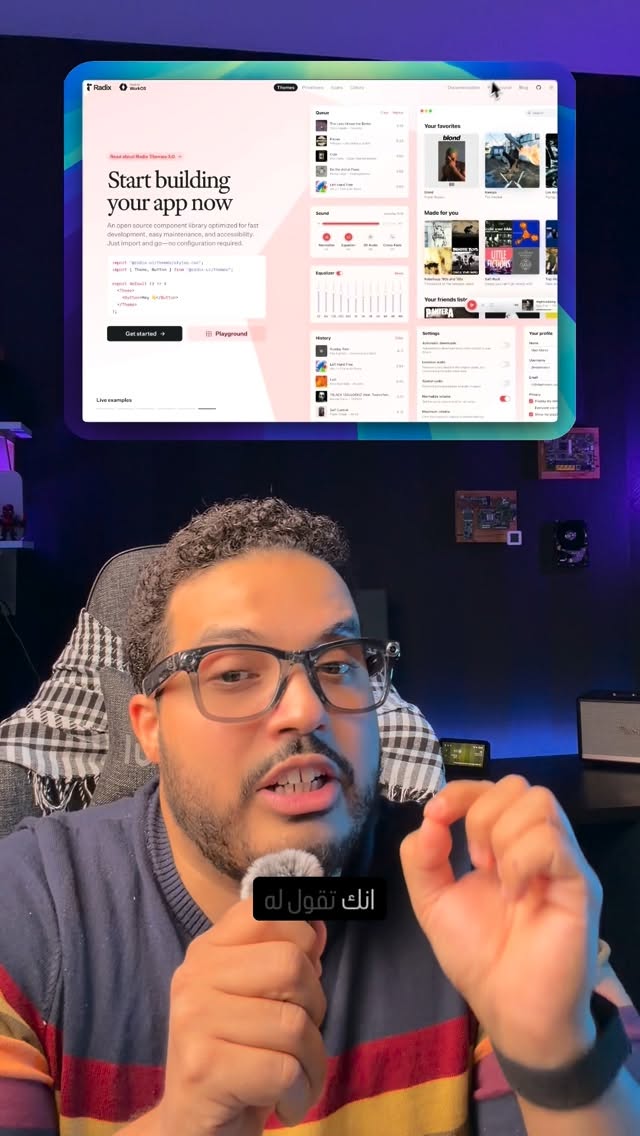
If your AI-generated interfaces keep looking alike, specify a UI design style in your request. AI means artificial intelligence; UI design concerns the elements people see and interact with in an interface. Abdul Osama (عبدول أسامة) argues that knowing the names of different styles helps you describe the result you want instead of leaving its appearance open-ended.
“The reason isn’t AI; it’s that you don’t know the different UI design styles.” — Abdul Osama
The styles in the video
| Style | What it looks like | |---|---| | Skeuomorphism | Imitates real-world shapes and materials; a button might look like a physical button. | | Neumorphism | Soft elements with subtle shadows that appear to rise from the background. | | Glassmorphism | Transparent, glass-like layers with blur effects. | | Claymorphism | Rounded elements that look as though they were made from clay. | | Minimalism | Few elements and a simple, clean appearance. | | Maximalism | Strong colors, abundant detail and a lively appearance. | | Brutalism | A bold, rough style that does not aim for conventional prettiness. | | Liquid Glass | Fluid, glass-like interfaces with a sheen that responds to the user. | | Bento Grid | Content divided into organized cards that are easy to scan. | | Spatial UI | Interfaces designed for three-dimensional spaces, including AR and VR—augmented and virtual reality. |
In numbers
- 10 styles: the number of UI design approaches covered in the video.
How to use this in an AI request
Instead of asking for “a nice UI for software,” name a style—such as Minimalism or Bento Grid—and say what kind of interface you need. That gives the request a clearer visual direction; it does not mean one style will fit every project.
“Name the style you want.” — Abdul Osama
What to do next
Pick a style from the table and include its name in your next design request. If the result does not suit the content or how people will use the interface, try another style rather than changing only the colors.