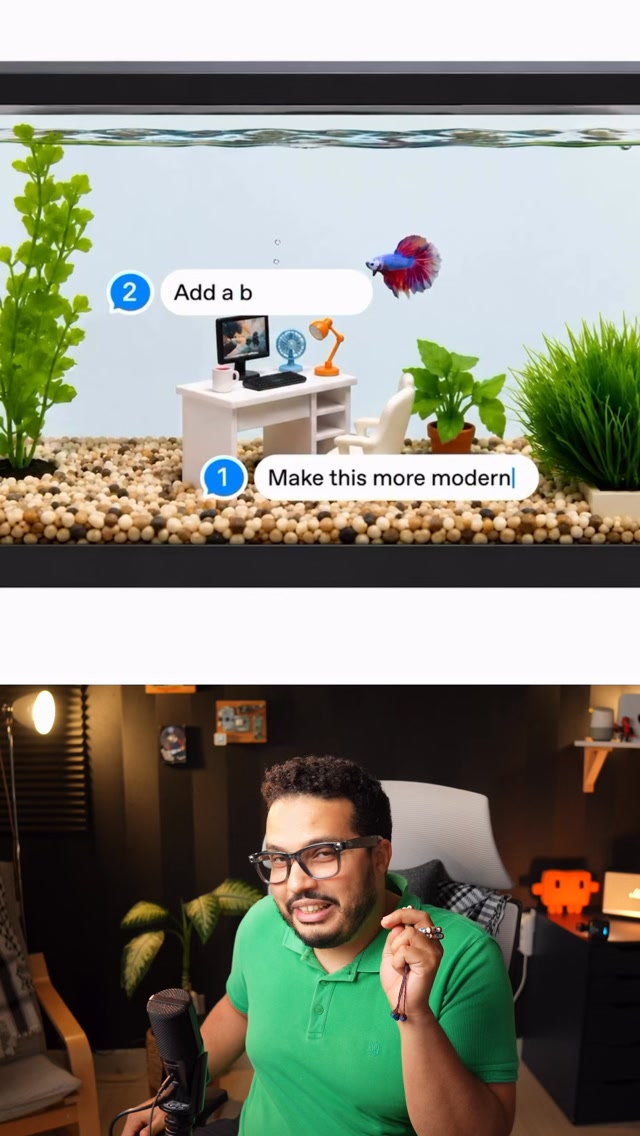
To make an image with Seedream, enter a description of what you want and wait for the result. Abdul Osama (عبدول أسامة) recommends it particularly for an advertising poster that needs readable text within the image.
How to use it
Seedream is a tool that generates images from text prompts. Abdul says it comes from ByteDance, the company behind TikTok. His process is straightforward:
- Search for Seedream and open the tool’s website.
- Write a description of the image you have in mind.
- Wait for the generated image, then check whether it matches your description and whether any text is legible.
All you have to do is open the website, write the description you have in mind, and wait. — Abdul Osama
Abdul describes the images as realistic and high quality. He also says text within the images comes out clearly, which is why he suggests trying it for an ad poster containing words.
How does it compare?
ChatGPT is an AI assistant that can generate images; Midjourney is an AI image-generation tool. The table reports Abdul’s view, not an independent test:
| Tool | What the video says | | --- | --- | | Seedream | Abdul describes it as free with unlimited use and praises its results. | | ChatGPT and Midjourney | He says Seedream beats them in most comparisons but does not identify the comparisons. |
What to do next
Try a prompt for an image you need, including the wording if it is for an ad. Inspect the output yourself, and check the current usage terms before assuming access is free or unlimited.
 ChatGPT
 Midjourney