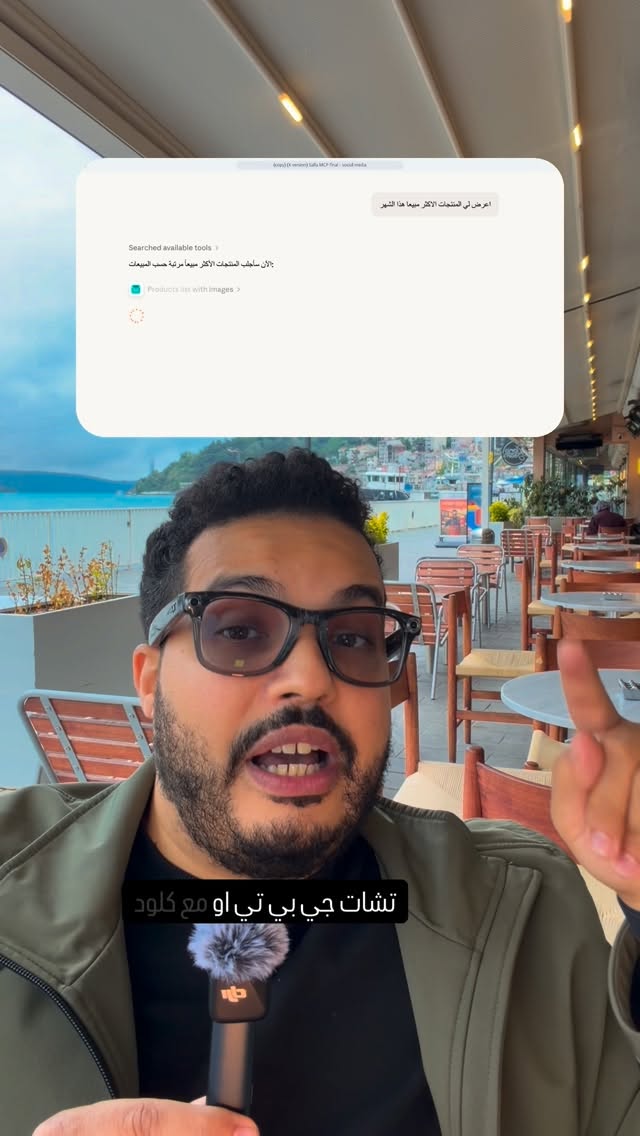
Can you speak a message and send it as text?
Yes. Abdul Osama (عبدول أسامة) demonstrates Whisperflow, an AI-powered dictation app that turns speech into text. He suggests it for people who find speaking easier than typing but do not want to send a voice recording—especially when their speech mixes Arabic and English.
“It’ll write it correctly, and it’ll get the English words right too.” — Abdul Osama
What does the demonstration show?
Abdul speaks quickly in colloquial Arabic, mixing in English words. He then points to the resulting text and says the app transcribed his speech well. This is his on-screen experience, not an independent accuracy test across different speakers or conditions.
| Option | Abdul’s experience | | --- | --- | | iPhone dictation | It lets him type by speaking, but he says it sometimes makes mistakes, particularly in Arabic, requiring corrections. | | Whisperflow | He says it handled his fast speech and the English words mixed into Arabic well. |
iPhone is an Apple phone with a built-in dictation feature. The comparison reflects Abdul’s experience rather than a general verdict on every device.
When might it help?
Abdul describes speaking at length to ChatGPT, an AI assistant that accepts text or voice input. He says he has encountered cases where a long voice recording was not converted to text at the end. Having a written transcript would let him use the text directly instead.
In numbers
- Five minutes: the length Abdul gives as an example of a recording that failed to convert to text.
- One month free: a promotional offer he says he has. He asks viewers to comment so he can send its details privately; he does not specify the offer’s terms or the price afterward.
What to do next
If you dictate in both Arabic and English, try a short passage and check the text before sending it. Verify the terms and availability of any promotional offer before subscribing.
 ChatGPT